Skip to content
View in the app

A better way to browse. Learn more.

Free Mac Resources

A full-screen app on your home screen with push notifications, badges and more.

To install this app on iOS and iPadOS
  1. Tap the Share icon in Safari
  2. Scroll the menu and tap Add to Home Screen.
  3. Tap Add in the top-right corner.
To install this app on Android
  1. Tap the 3-dot menu (⋮) in the top-right corner of the browser.
  2. Tap Add to Home screen or Install app.
  3. Confirm by tapping Install.
  • Entries

    6
  • Comments

    0
  • Views

    1,588

Entries in this blog

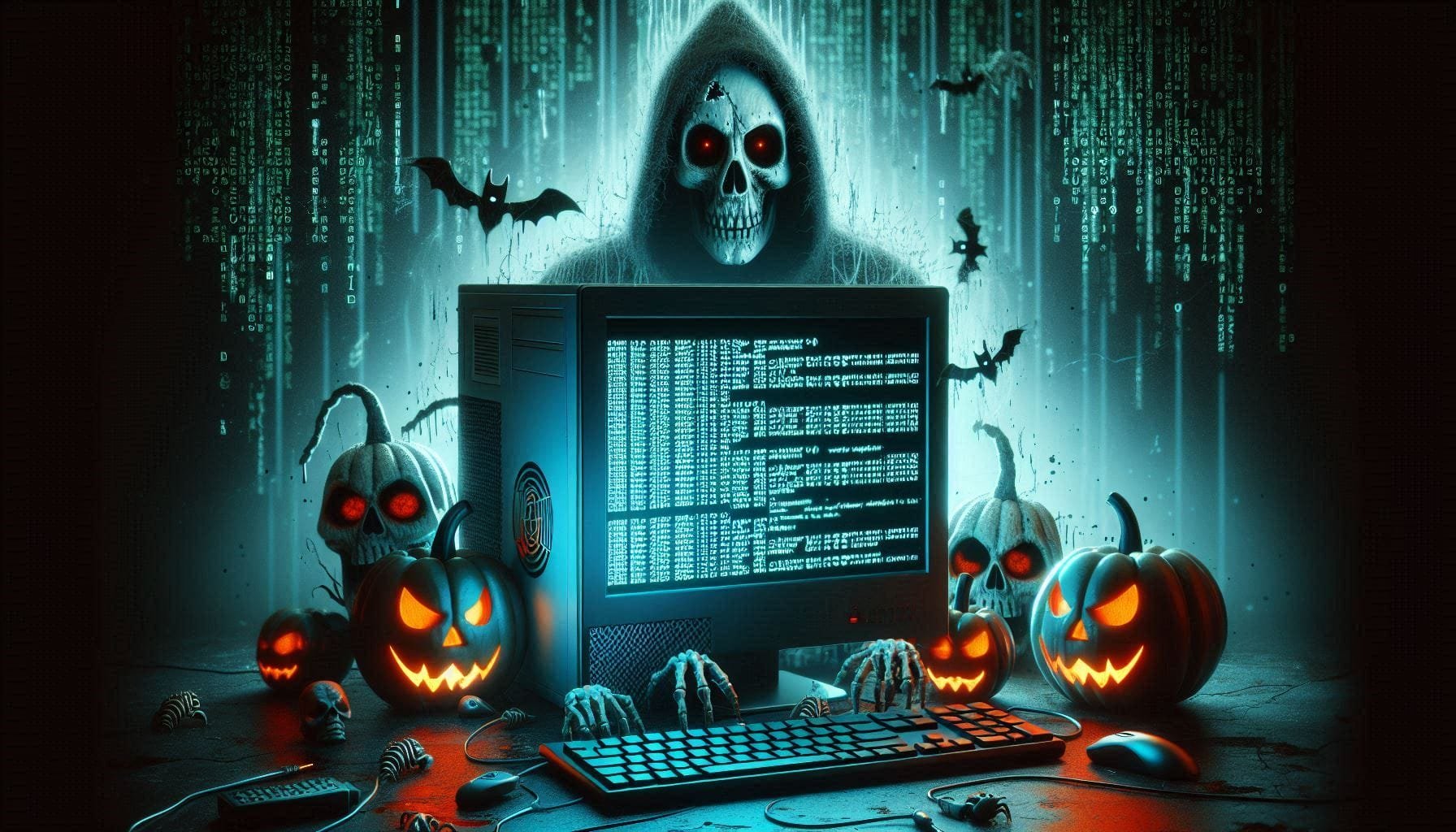
When most people think about the internet, they imagine websites like Google, YouTube, Instagram, and online newspapers. But beneath the internet we use every day lies a much less visible part of the web: the Dark Web. The Dark Web is a hidden part of the internet that cannot normally be accessed using ordinary browsers such as Chrome or Safari. Instead, special software is required to reach websites and services that operate there. One of the best-known technologies associated with the Dark Web


Account

Navigation

Search

Search

Configure browser push notifications

Chrome (Android)
  1. Tap the lock icon next to the address bar.
  2. Tap Permissions → Notifications.
  3. Adjust your preference.
Chrome (Desktop)
  1. Click the padlock icon in the address bar.
  2. Select Site settings.
  3. Find Notifications and adjust your preference.