



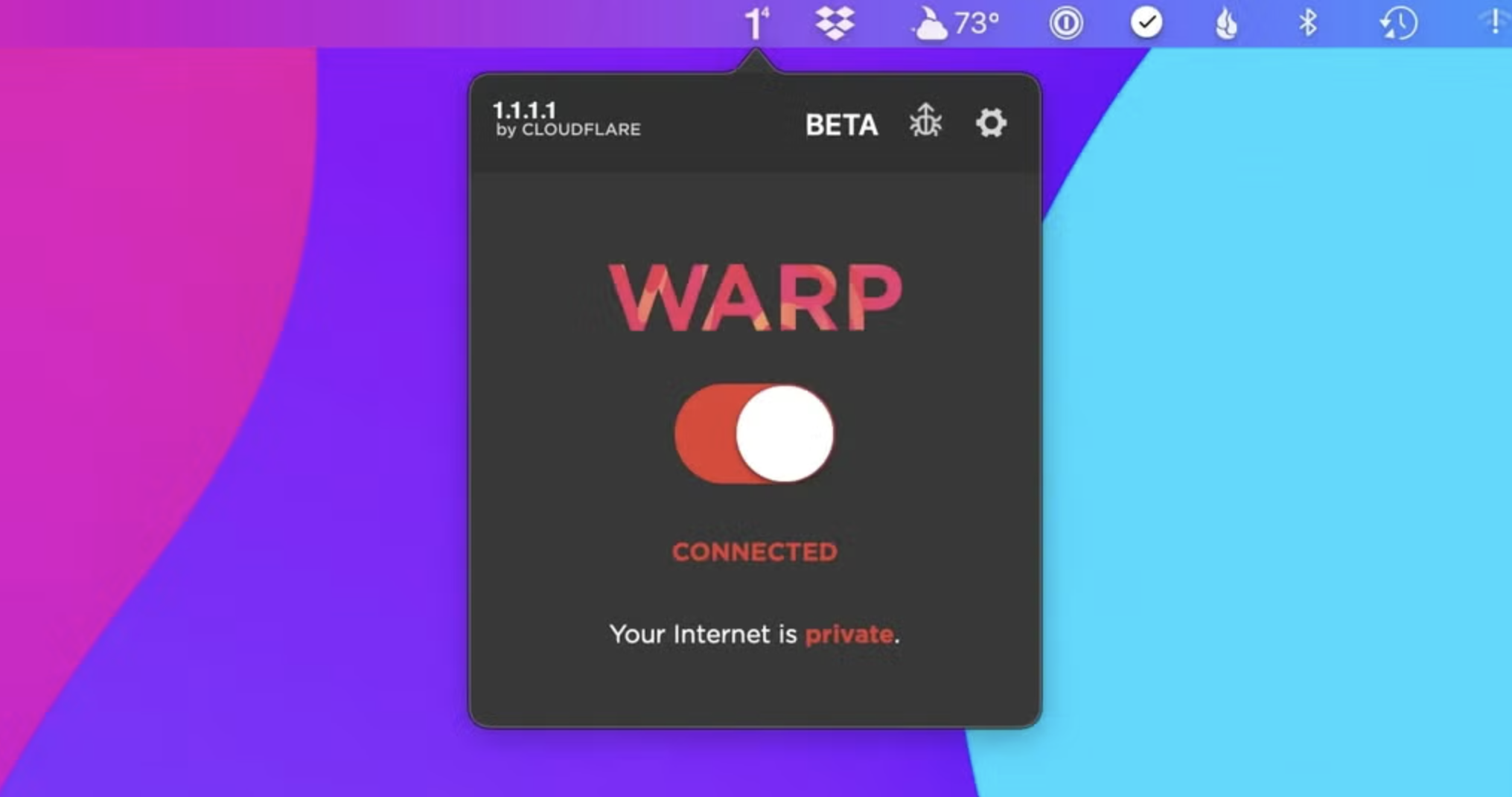
1.1.1.1 with WARP is a free security program that lets you boost your loading speed and keep your privacy more secure. Developed by Cloudflare, this application is a DNS resolver that shields your device from security threats like malware, phishing, and the like.
1.1.1.1 with WARP replaces your connection with a more modern and optimized protocol — making things much more private compared to traditional wired protocols. Available on both PC and mobile, this anti-spy software makes sure that your data is always safe each time you go online.
How do I use Warp 1.1 1.1 on PC?
1.1.1.1 is a free Domain Name System (DNS) service that functions as a recursive name server. This allows your DNS queries to bypass less secure connections so that your data won’t be spied on or sold to companies who need your data profile for marketing purposes. This time, Cloudflare offers 1.1.1.1 with the WARP feature, which is its built-in VPN service.
With this, 1.1.1.1 with WARP has two modes you can freely switch between: 1.1.1.1 and WARP. The difference between them is that the former only focuses on DNS queries while the latter includes a VPN shield—making it the default and more preferred mode. To use this software, just simply launch it and toggle on the big button on the menu.
To switch the modes, just click on the gear icon. Under Preferences, you can see the General settings, Connection, Account, Feedback, DNS Logs, and Advanced settings. There’s even a function called 1.1.1.1 for Families that blocks adult content. Unlike the mobile version, however, you can’t purchase or access the paid monthly subscription, WARP+, on PC. Plus, sometimes your loading speed will slow down instead of speeding up.
Enhancing your experience with Warp+
For users wanting more from their internet experience, 1.1.1.1 with WARP offers a premium path packed with enhanced capabilities. Its subscription model, WARP+, introduces unlimited WARP+ data and customizable route selections for optimizing online traffic management. This setup is ideal for users needing reliable speed during peak usage times. By choosing this premium package, you not only improve your internet connection stability but also elevate your overall digital experience.
Understanding the hesitation some may feel before committing, a free trial is offered to try out these advanced features before upgrading. It's a risk-free way to explore the benefits without an upfront investment, allowing users to evaluate if the added features meet their needs effectively. However, it’s important to note that once the subscription begins, any remaining free trial time or WARP+ data credits will no longer be available to ensure resource allocation is streamlined.
Shouldn’t be slow
Overall, 1.1.1.1 with WARP is an easy-to-use and lightweight program. You don’t need to know much about setting up this kind of tool due to how user-friendly the interface is. It’s designed to boost your browsing speed while securing your privacy. However, unlike the mobile version, you can’t avail of its premium service. It also has some issues with loading speed.

You may only provide a review once you have downloaded the file.
There are no reviews to display.