



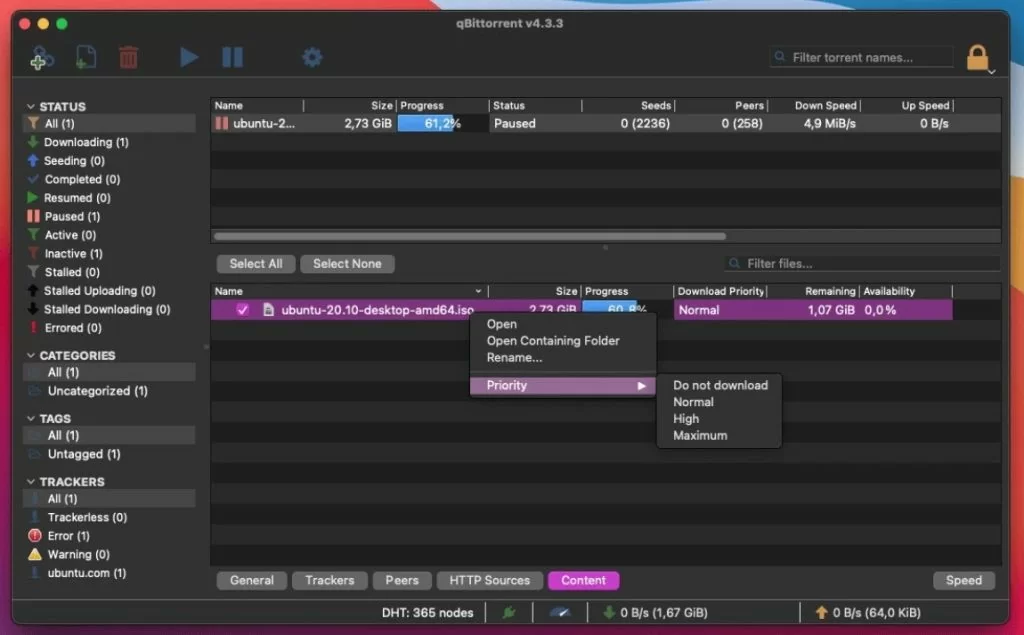
qBittorrent is a free software application designed for Mac users that facilitates file sharing and peer-to-peer networking. It is categorized under Internet & Network, specifically in the File Sharing & Peer to Peer subcategory.
This application offers a user-friendly interface, making it accessible for both novice and experienced users. With its lightweight design, qBittorrent allows for efficient downloading and uploading of files, ensuring a smooth user experience.
The program supports various protocols and provides features such as a built-in search engine, torrent creation, and bandwidth scheduling. Additionally, qBittorrent includes a web interface for remote management, making it convenient for users who wish to control their downloads from different devices. Overall, qBittorrent stands out as a robust and reliable tool for file sharing on the Mac platform.

You may only provide a review once you have downloaded the file.
There are no reviews to display.