


Skip to content
View in the app

A better way to browse. Learn more.

Free Mac Resources

A full-screen app on your home screen with push notifications, badges and more.

To install this app on iOS and iPadOS
  1. Tap the Share icon in Safari
  2. Scroll the menu and tap Add to Home Screen.
  3. Tap Add in the top-right corner.
To install this app on Android
  1. Tap the 3-dot menu (⋮) in the top-right corner of the browser.
  2. Tap Add to Home screen or Install app.
  3. Confirm by tapping Install.

CaskHub 0.8.3

(0 reviews)

1 Screenshot

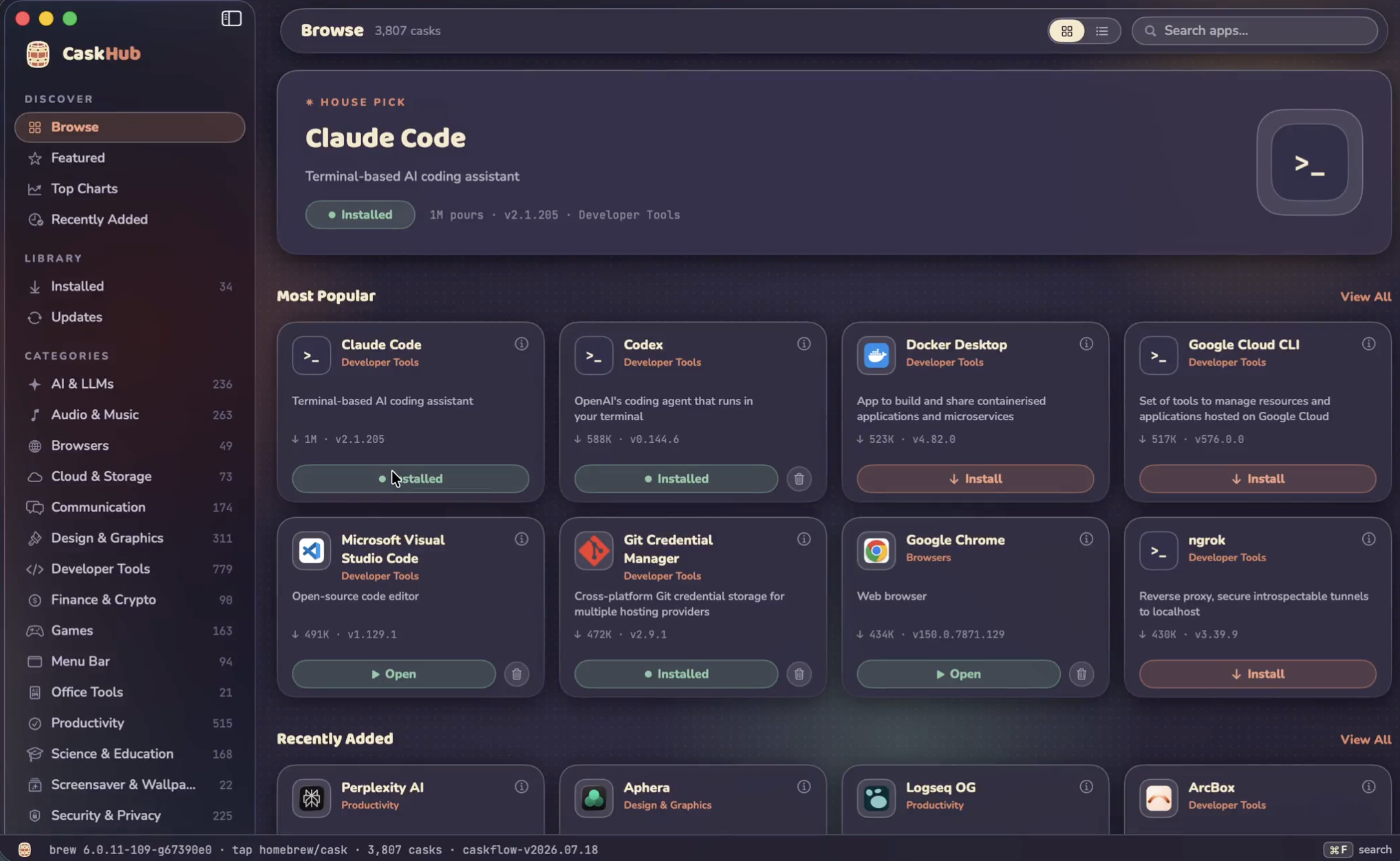
Browse, search, install, update, and uninstall thousands of Mac apps distributed through Homebrew, with original app icons, categories, popularity charts, and one-click actions, all in a native SwiftUI interface.

Browse thousands of Mac apps

Curated shelves, a rotating hero pick, a Featured top 100, and every cask classified into browsable categories.

One-click everything

Install, update, and uninstall with live progress states and cancellable downloads. pkg installers get a native macOS password prompt. And much more

User Feedback

You may only provide a review once you have downloaded the file.

There are no reviews to display.

Account

Navigation

Search

Search

Configure browser push notifications

Chrome (Android)
  1. Tap the lock icon next to the address bar.
  2. Tap Permissions → Notifications.
  3. Adjust your preference.
Chrome (Desktop)
  1. Click the padlock icon in the address bar.
  2. Select Site settings.
  3. Find Notifications and adjust your preference.