


Skip to content
View in the app

A better way to browse. Learn more.

Free Mac Resources

A full-screen app on your home screen with push notifications, badges and more.

To install this app on iOS and iPadOS
  1. Tap the Share icon in Safari
  2. Scroll the menu and tap Add to Home Screen.
  3. Tap Add in the top-right corner.
To install this app on Android
  1. Tap the 3-dot menu (⋮) in the top-right corner of the browser.
  2. Tap Add to Home screen or Install app.
  3. Confirm by tapping Install.

MacZip 2.4

(0 reviews)

1 Screenshot

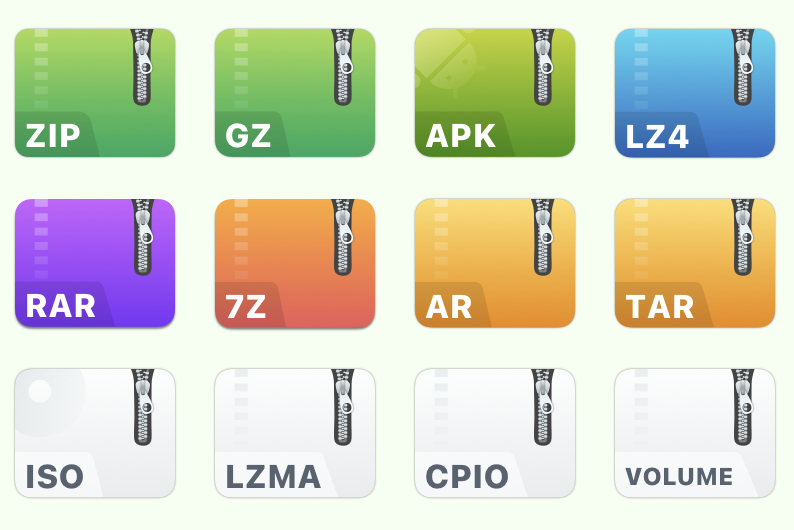
Supports more than 20 popular archive formats such as rar, zip, 7z, tar, gz, bz2, iso, xz, lzma, apk, lz4. Perfect handling of encryption and decryption!

Easily protect private files, and it's safer and more worry-free after encryption. Feel free to drop to a third-party cloud disk, no longer afraid of privacy leaks! As long as you don't know your password, nobody can open "your" file! MacZip(named eZip in the past) does not charge user any fees, everyone can download and use it for free. If you feel good, remember to share it with your friends!

User Feedback

You may only provide a review once you have downloaded the file.

There are no reviews to display.

Account

Navigation

Search

Search

Configure browser push notifications

Chrome (Android)
  1. Tap the lock icon next to the address bar.
  2. Tap Permissions → Notifications.
  3. Adjust your preference.
Chrome (Desktop)
  1. Click the padlock icon in the address bar.
  2. Select Site settings.
  3. Find Notifications and adjust your preference.