


Skip to content
View in the app

A better way to browse. Learn more.

Free Mac Resources

A full-screen app on your home screen with push notifications, badges and more.

To install this app on iOS and iPadOS
  1. Tap the Share icon in Safari
  2. Scroll the menu and tap Add to Home Screen.
  3. Tap Add in the top-right corner.
To install this app on Android
  1. Tap the 3-dot menu (⋮) in the top-right corner of the browser.
  2. Tap Add to Home screen or Install app.
  3. Confirm by tapping Install.

Snapzy 1.32.3

(0 reviews)

1 Screenshot

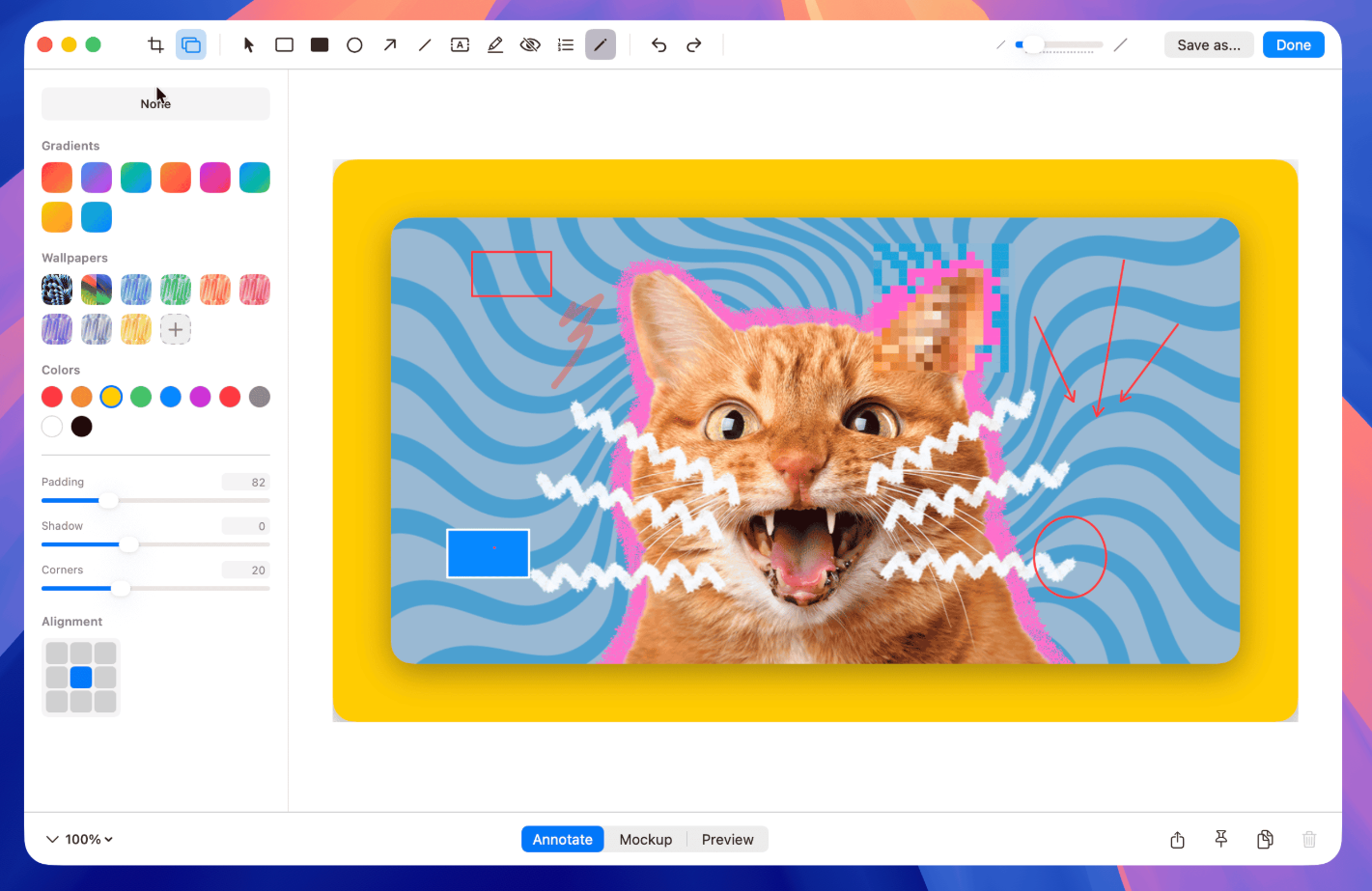
Pixel-perfect precision. Select any part of your screen with intuitive guides and keyboard modifiers. Infinite screenshots. Capture entire webpages or long documents in one continuous motion. Annotate with speed. Add arrows, text, and highlights. Beautiful backgrounds in one click. Smooth capture. Record high-quality video with system audio and microphone support. Always at hand. Manage your recent captures instantly from the menu bar.

User Feedback

You may only provide a review once you have downloaded the file.

There are no reviews to display.

Account

Navigation

Search

Search

Configure browser push notifications

Chrome (Android)
  1. Tap the lock icon next to the address bar.
  2. Tap Permissions → Notifications.
  3. Adjust your preference.
Chrome (Desktop)
  1. Click the padlock icon in the address bar.
  2. Select Site settings.
  3. Find Notifications and adjust your preference.