



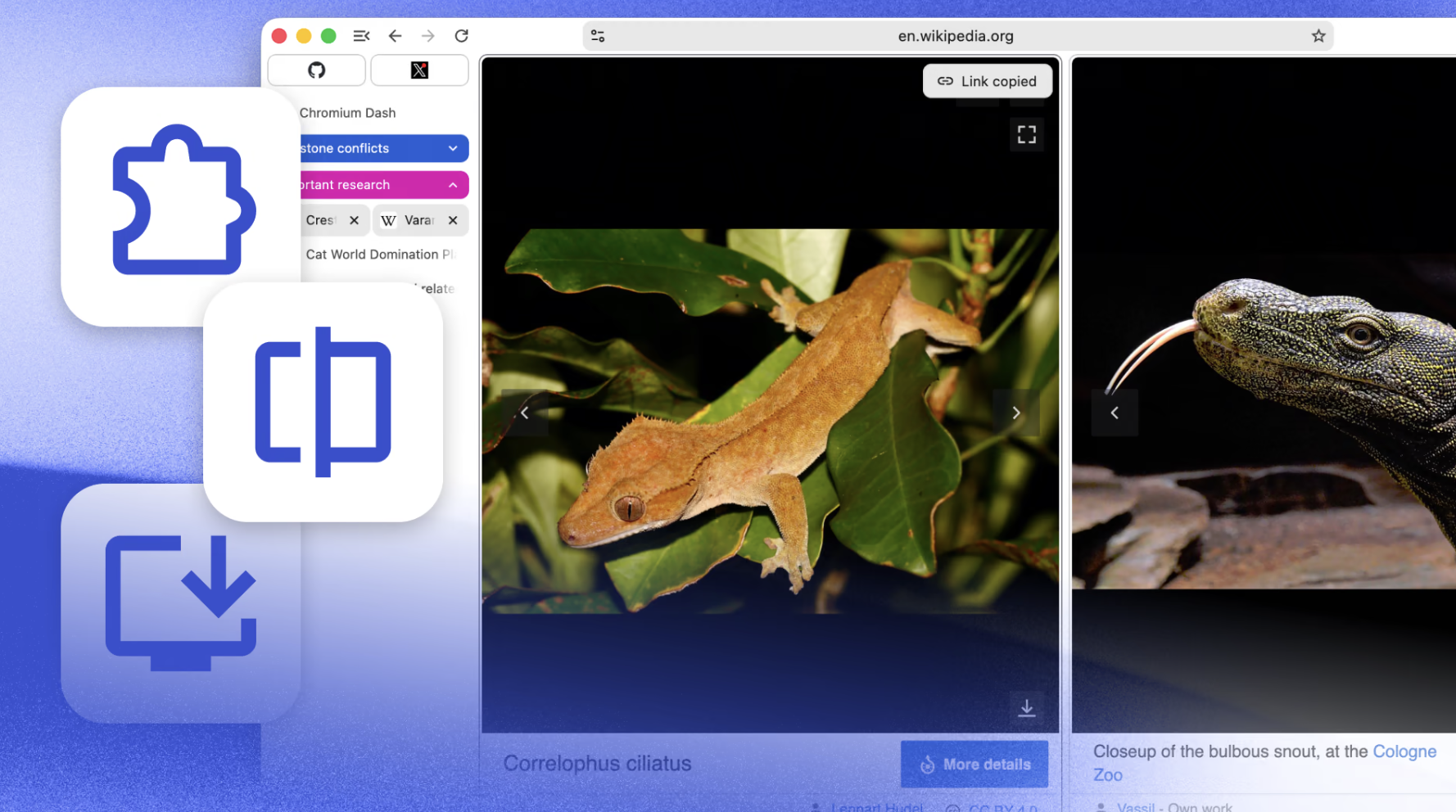
Helium blocks ads and trackers, puts you in control, and has a clean, minimal interface. By default.
Skip the search engine
Browse the web even faster with !bangs. Built into Helium, processed locally, and routed directly to the website you want. Bang, clack, done.
Jump to thousands of websites without having to go through a page of search results.
Transparent and open source
All Helium components are open source and available on GitHub. Development happens in public, from commits to builds to releases.
You can build Helium yourself, self-host Helium services, fork or contribute to anything.
Use it, inspect it, modify it, or help shape where it goes next.
Helium never gets in your way and removes most of the noise on all web pages, so you can focus on what you came for.
Take a look yourself: drag the slider to see the difference between Helium and other browsers.

You may only provide a review once you have downloaded the file.
There are no reviews to display.