


Skip to content
View in the app

A better way to browse. Learn more.

Free Mac Resources

A full-screen app on your home screen with push notifications, badges and more.

To install this app on iOS and iPadOS
  1. Tap the Share icon in Safari
  2. Scroll the menu and tap Add to Home Screen.
  3. Tap Add in the top-right corner.
To install this app on Android
  1. Tap the 3-dot menu (⋮) in the top-right corner of the browser.
  2. Tap Add to Home screen or Install app.
  3. Confirm by tapping Install.

Ardia Browser 0.2.42

(0 reviews)

1 Screenshot

A free, open source Chromium browser for Mac with an Arc style sidebar.

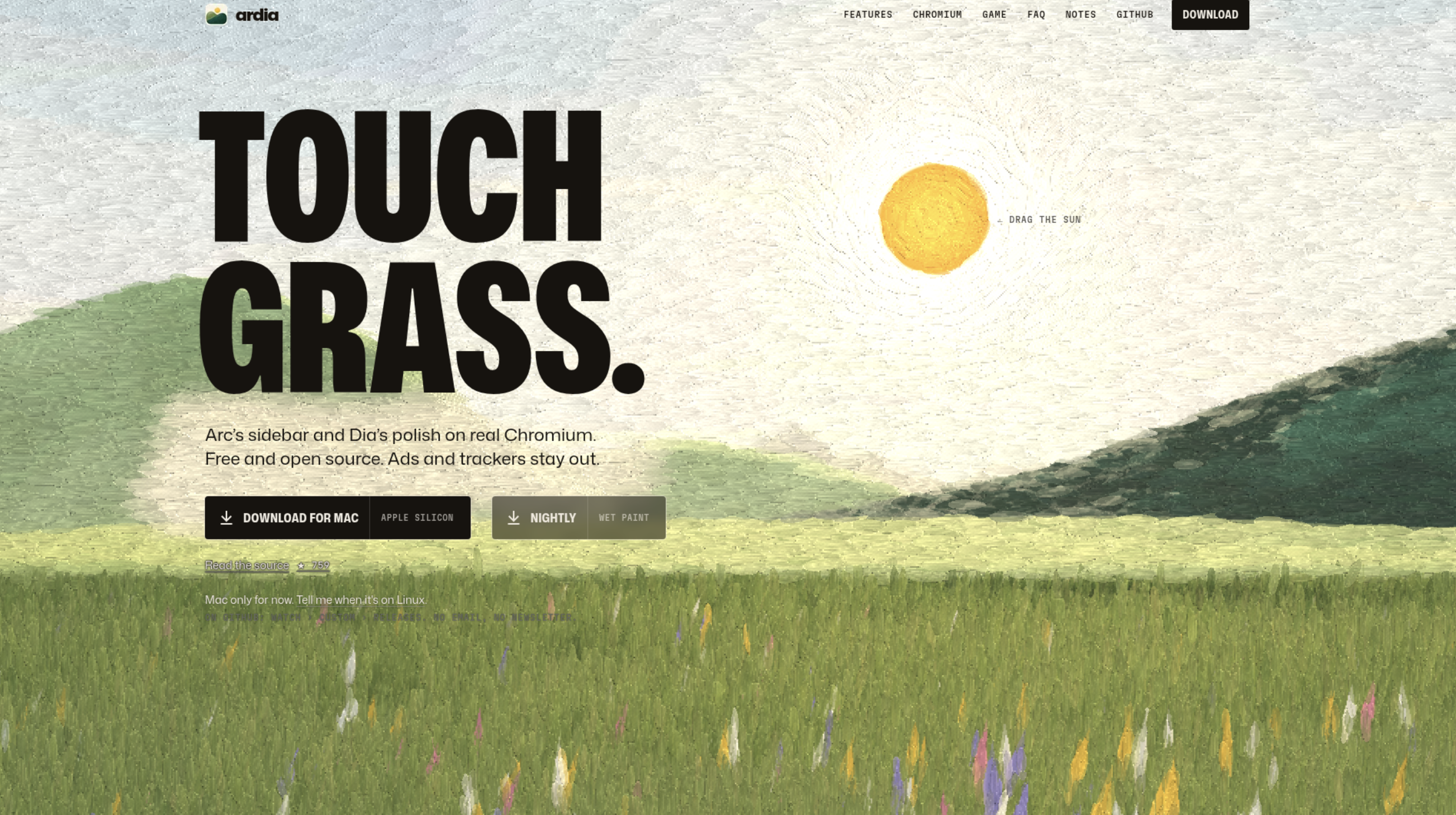
Ardia is a free, open source browser for Apple silicon Macs that pairs an Arc style sidebar with a polished interface on real Chromium. It ships with uBlock Origin built in, supports Chrome Web Store extensions, and can import your Arc data including Spaces. It also offers a Little Arc style quick window and encrypted iCloud Drive sync.

User Feedback

Guest
This content is now closed to further reviews.

There are no reviews to display.

Account

Navigation

Search

Search

Configure browser push notifications

Chrome (Android)
  1. Tap the lock icon next to the address bar.
  2. Tap Permissions → Notifications.
  3. Adjust your preference.
Chrome (Desktop)
  1. Click the padlock icon in the address bar.
  2. Select Site settings.
  3. Find Notifications and adjust your preference.