



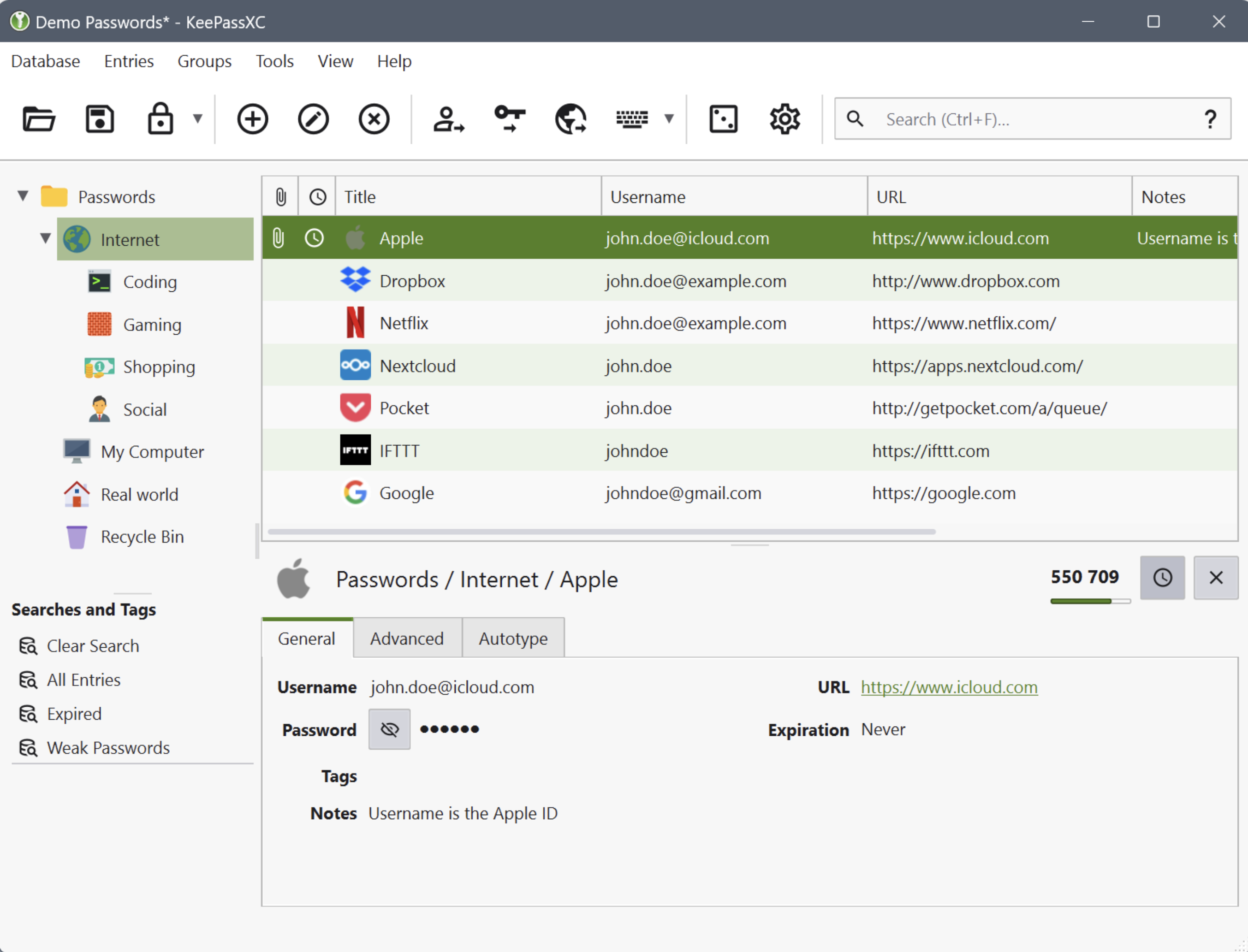
KeePassXC for Mac can store your passwords safely and auto-type them into your everyday websites and applications. You shouldn't waste your time trying to remember and type your passwords.
The thing computers can do best is storing information! Download KeePass Cross-Platform Community Edition now!
Encrypted
The complete database is always encrypted with the industry-standard AES (alias Rijndael) encryption algorithm using a 256-bit key. KeePassXC for macOS uses a database format that is compatible with KeePass Password Safe. Your wallet works offline and requires no Internet connection.
Cross-Platform
KeePassXC for Desktop is a community fork of KeePassX, the cross-platform port of KeePass for macOS. Every feature works cross-platform and was thoroughly tested on multiple systems to provide users with the same look and feel on every supported operating system. This includes the beloved Auto-Type feature.
Features and Highlights
Secure storage of passwords and other private data with AES, Twofish, or ChaCha20 encryption
Cross-platform runs on Linux, Windows, and macOS without modifications
File format compatibility with KeePass2, KeePassX, MacPass, KeeWeb, and many others (KDBX 3.1 and 4.0)
SSH Agent integration
Auto-Type on all supported platforms for automatically filling in login forms
Key file and YubiKey challenge-response support for additional security
TOTP generation (including Steam Guard)
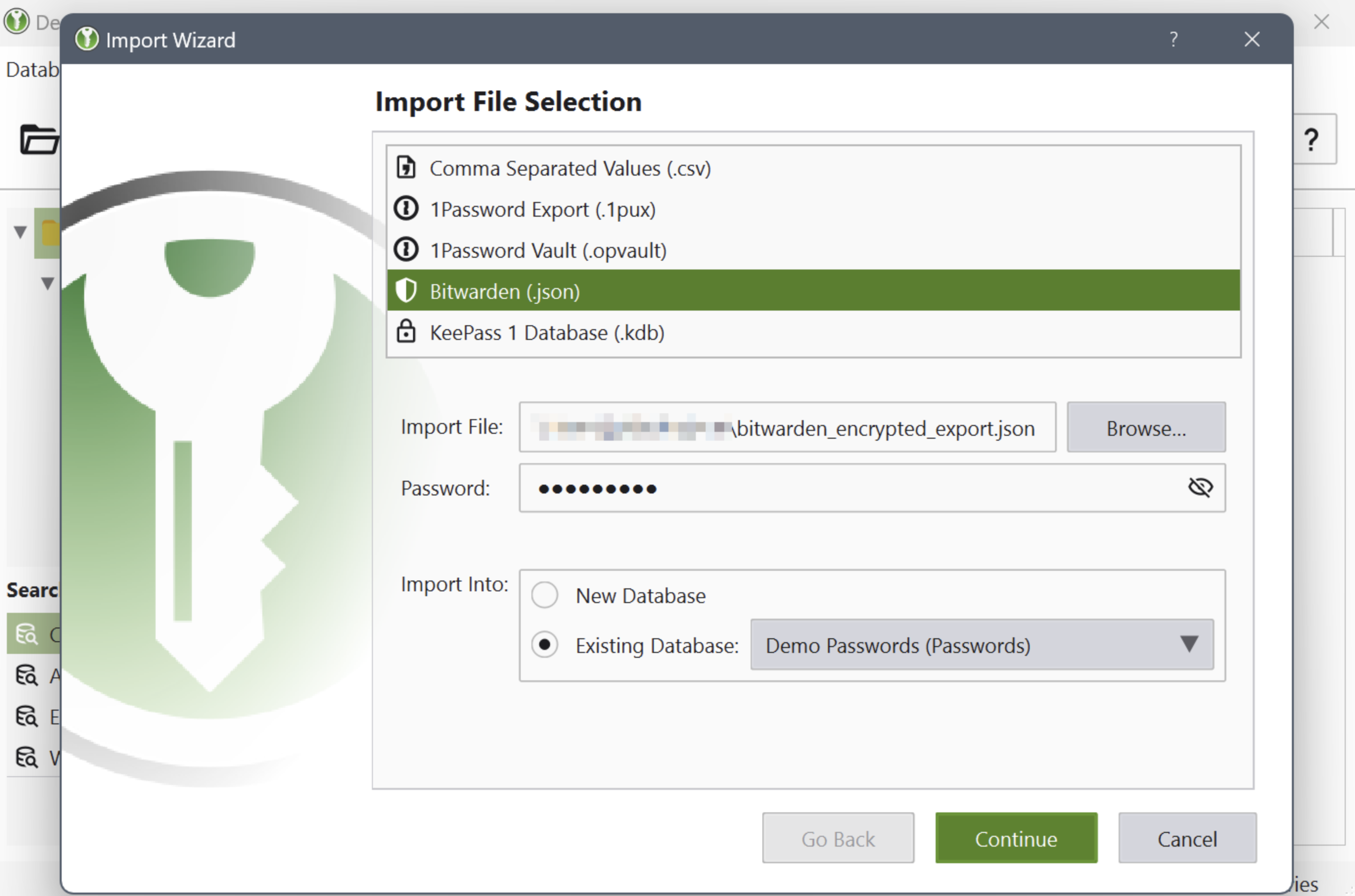
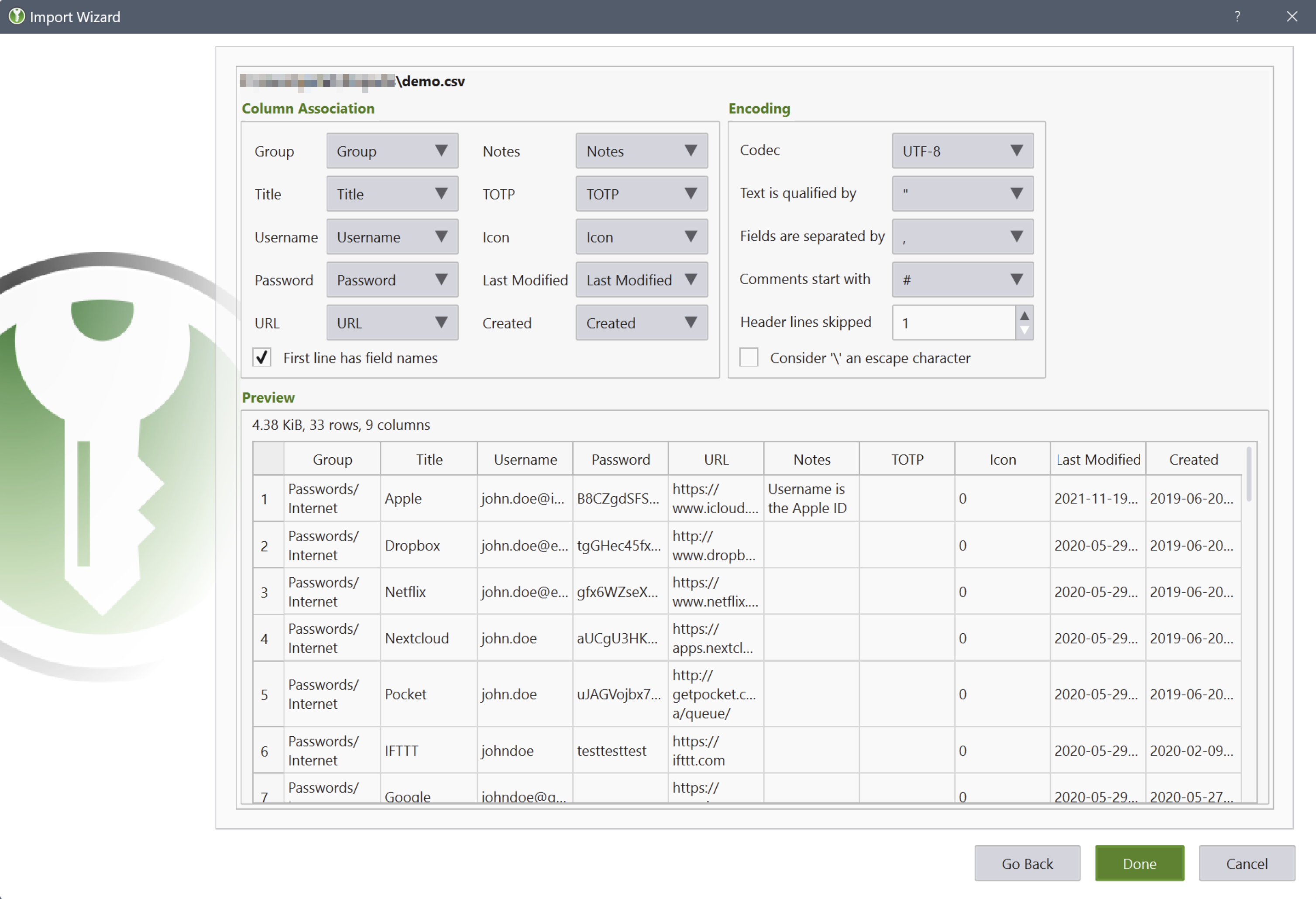
CSV import from other password managers (e.g., LastPass)
Command-line interface
Stand-alone password and passphrase generator
Password strength meter
Custom icons for database entries and download of website favicons
Database merge functionality
Automatic reload when the database was changed externally
Browser integration with KeePassXC-Browser for Google Chrome, Chromium, Vivaldi, and Mozilla Firefox.
(Legacy) KeePassHTTP support for use with KeePassHTTP-Connector available for Mozilla Firefox and Google Chrome, and passafari for Safari.

You may only provide a review once you have downloaded the file.
There are no reviews to display.