



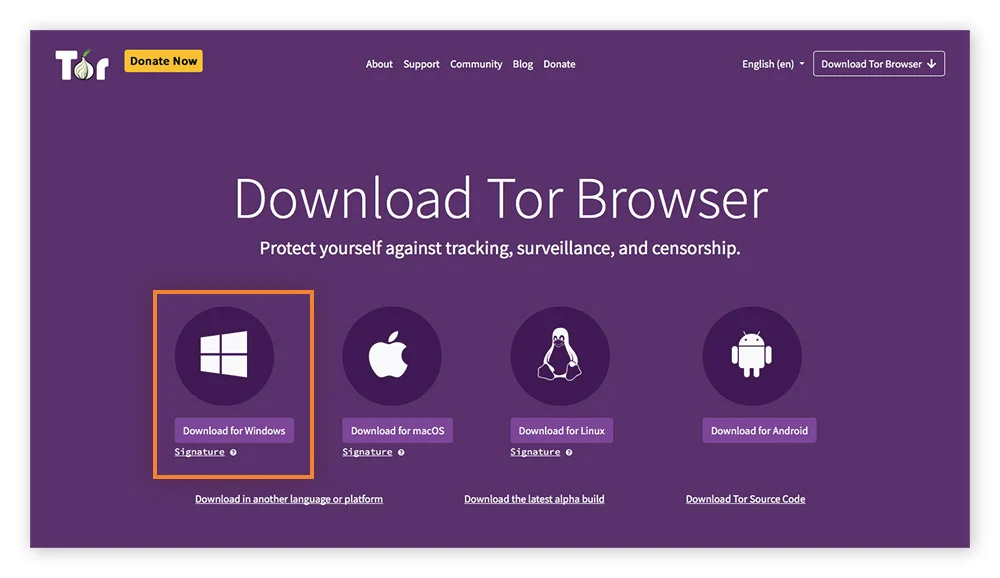
Tor Browser for Mac is a privacy-focused web browser that automatically routes users' web traffic through the secure network, providing anonymity and protection from user-monitoring services installed by internet providers, government agencies, and various online destinations.
It is designed to prevent tracking, surveillance, traffic analysis, and censorship, making it an ideal choice for users who prioritize online anonymity and privacy.
This highly secure web browser differs widely from other security-themed browser projects (such as Brave browser) by offering a whole another layer of added security that no other regular browser has.
This included a built-in triple-layer encryption procedure, use of IP masking service, built-in adblocker, and complete focus on not caching or recording any user activity locally.
The app focuses on routing data through a secure Tor network, a volunteer overlay network for anonymous communication.
This provides safe user access to the public internet, as well as the ability to access and browse illicit websites on the so-called “dark web”, a subset of the internet that is only accessible from inside a secure Tor network.
Today, more than two decades after it was originally released to the public, this unique browser app is viewed as a very important privacy platform that is used for both legitimate and illegitimate means. It is actively developed and maintained by the nonprofit organization The Tor Project.
What`s New
Updated Firefox ESR base for improved performance and compatibility.
Enhanced anti-fingerprinting protections to better prevent tracking.
Security patches addressing the latest vulnerabilities.
Improved circuit display for clearer connection transparency.
Refined connection settings with easier bridge configuration.
Better handling of onion services with improved reliability.
Updated NoScript integration for safer script control.
Performance optimizations for faster page rendering over Tor network.
Improved sandboxing for stronger isolation on desktop systems.
Various stability fixes and bug improvements across platforms.
Key Features
Private browsing of the public internet.
Built-in anti-monitoring features.
Multi-layered encryption.
Routing traffic through a low-latency volunteer network.
Protect private data against online fingerprinting and analysis.
Circumvent online surveillance.
Free for all users.
Installation and Setup
To get this app up and running on any modern Mac computer, users simply have to download an automated installer and follow a few simple on-screen instructions.
How to Use
This app features an extensive set of privacy and security features that make it unique in its category, but at first glance, it has a traditional web browser experience.
However, in addition to the use of standard HTTP online addresses, it can also handle direct loading of specific onion network links, accessing hidden “dark web” content hosted on a volunteer-based Tor network.
What's New in Version 15.0.26
Released
What`s New
Updated Firefox ESR base for improved performance and compatibility.
Enhanced anti-fingerprinting protections to better prevent tracking.
Security patches addressing the latest vulnerabilities.
Improved circuit display for clearer connection transparency.
Refined connection settings with easier bridge configuration.
Better handling of onion services with improved reliability.
Updated NoScript integration for safer script control.
Performance optimizations for faster page rendering over Tor network.
Improved sandboxing for stronger isolation on desktop systems.
Various stability fixes and bug improvements across platforms.

There are no reviews to display.