



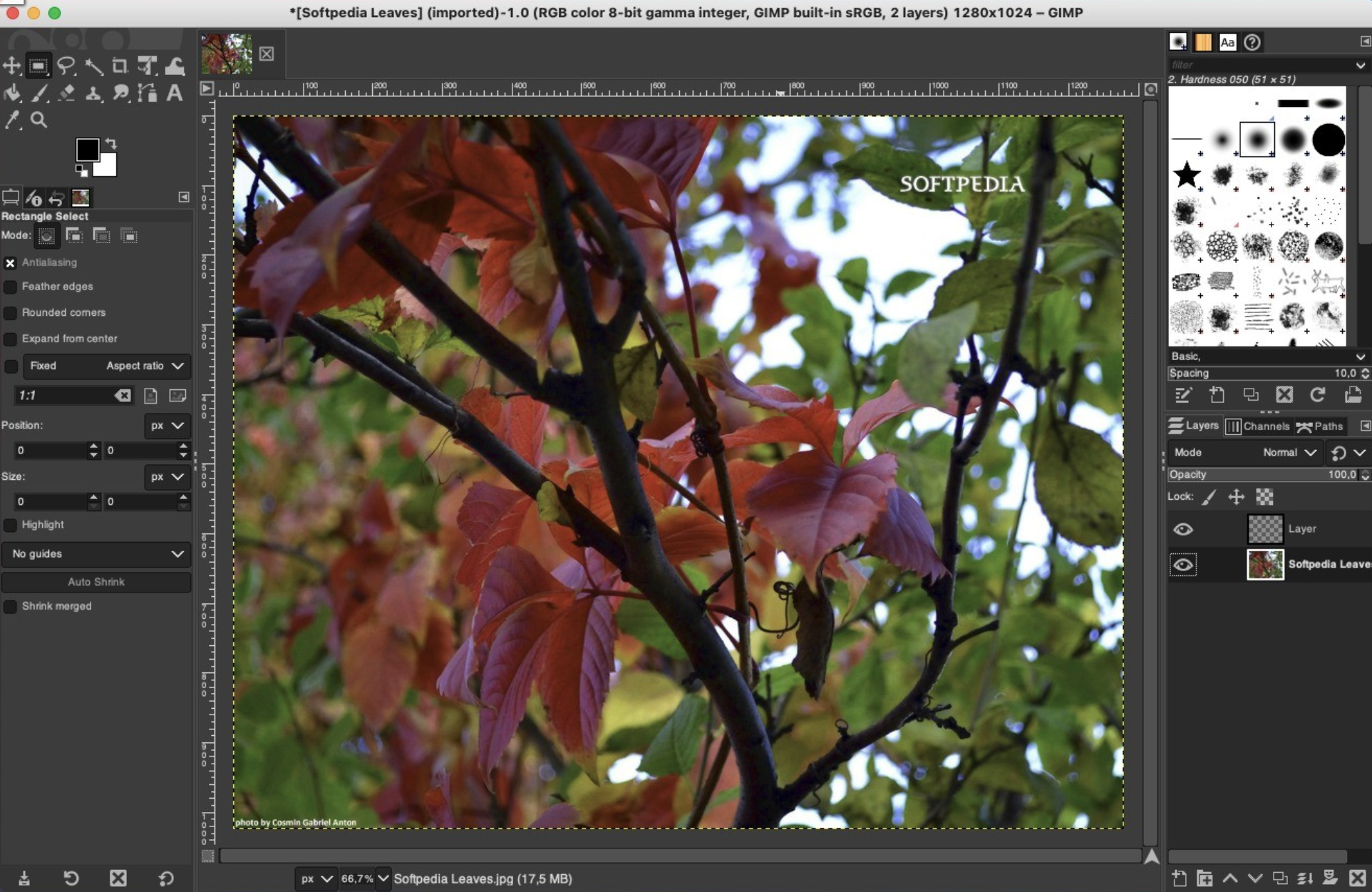
Gimp is a fully-featured and versatile graphics manipulation packages that enables you to adjust and retouch photos and images with ease.
Comprehensive image editing application for novice and experience users
The first thing you’ll notice about Gimp, is that it comes with a customizable interface that can be changed and adjusted according to the task you need to perform. Hence, you can personalize the view and change the behavior accordingly.
Gimp allows you to change anything from widget theme, widget spacings and icon sizes to custom tool sets in the toolbox. The main window is composed of multiple modules called docks that you can stack up into tabs or keep them in their own window. You can even hide them and summon them with a key press.
Numerous out-of-the-box editing tools and photo enhancement functions
What is more, Gimp features a full-screen mode that enables you to preview your work and edit using your entire screen and with the help of the provided tools and functions. Consequently, you can fix and repair numerous digital photo imperfections, color aberrations and distortions.
Hence, you can fix perspective distortion generated by lens tilt by using the corrective mode from the transform tools. For example, the lens’ barrel distortion and vignetting are annoying issues that can be easily adjusted thanks to the powerful filter.
Take advantage of the support for the pressure and tilt sensitive tablets and let your creativity free
At the same time, the built-in channel mixer offers you the power and flexibility you need to enhance your Black and White photos and focus on specific areas. Gimp is also the perfect choice for professional photographers.
The advanced inbuilt photo retouching tools can help you remove unneeded details, touch up minor details and heal damaged portions of a picture. On top of that, Gimp is compatible with most common image formats such as JPEG, JFIF, TIFF, PNG and more.
All of the above, combined with the built-in support for a wide variety of input devices, make the Gimp app a must have for amateur and professional photographers.

You may only provide a review once you have downloaded the file.
There are no reviews to display.